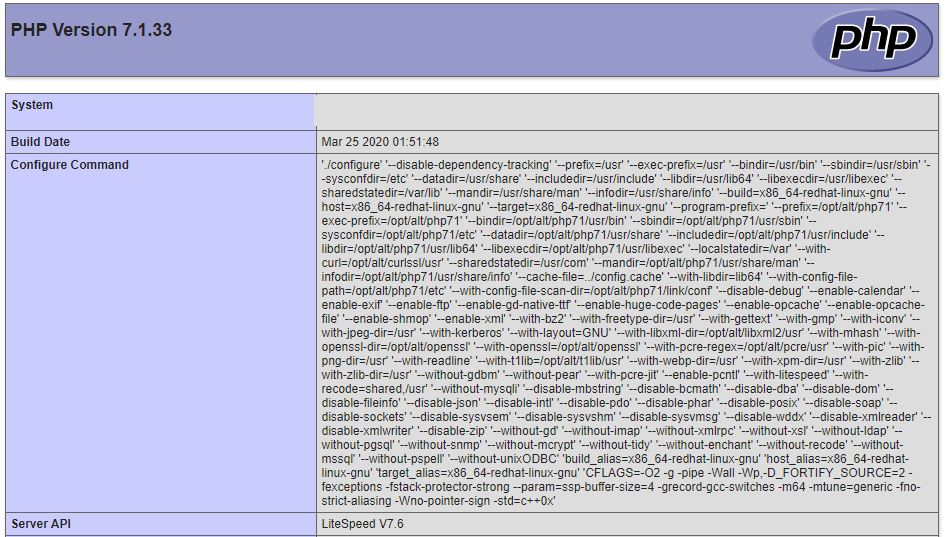
To view the server's PHP configuration information for websites on your account, insert the following code into a file (i.e. phpinfo.php):
Step 1
Create a file called phpinfo.php
Step 2
Add the following code
======
<?php phpinfo(); ?>
======
Step 3
Then open the file in your browser. For example if you had uploaded it in your public_html directory and your domain is yourdomain.com then you should be browsing yourdomain.com/phpinfo.php.
You Will then see a page like: